
Introducing Skillit: a CLI to create a skill from documentation
It's almost impossible that AI models will ever use the documentation from the projects I maintain to train on, the way they have with Tailwind CSS, TanStack Query, and other major ones.
That's why I found in skills an elegant solution to give that information to AI agents when I use my libraries and plugins.
However, converting documentation into a skill is a manual, lengthy, and tedious process.
That's why I built Skillit: to create or update the skill for any library from its documentation with a single command.
In this article I'll cover:
- How Skillit works
- How to create a skill
- How to update a skill
How Skillit works
Skillit is a CLI for creating and updating skills from Starlight documentation.
It's worth mentioning that Skillit is designed to be used in monorepos where you have one or more packages along with their documentation and want to keep their skills right there.
That said, using a monorepo is not required, the only requirement is that the documentation uses Starlight.
When you run skillit to create a skill, it does the following:
- Creates a directory for your skills (let's call this directory
skills) and, inside it, a subdirectory for the new skill (let's call the skillyour-skill). - Copies all
.mdand.mdxfiles from your Starlight site into arulesdirectory insideskills/your-skill, converting.mdxfiles to.mdand removing or replacing Starlight components in the process. - Creates a
SKILL.mdfile with the skill metadata and a list of all copied files.
When you run it to update an existing skill, it re-copies the files and refreshes the list of copied files in SKILL.md.
At the end of the process, you should have something like this:
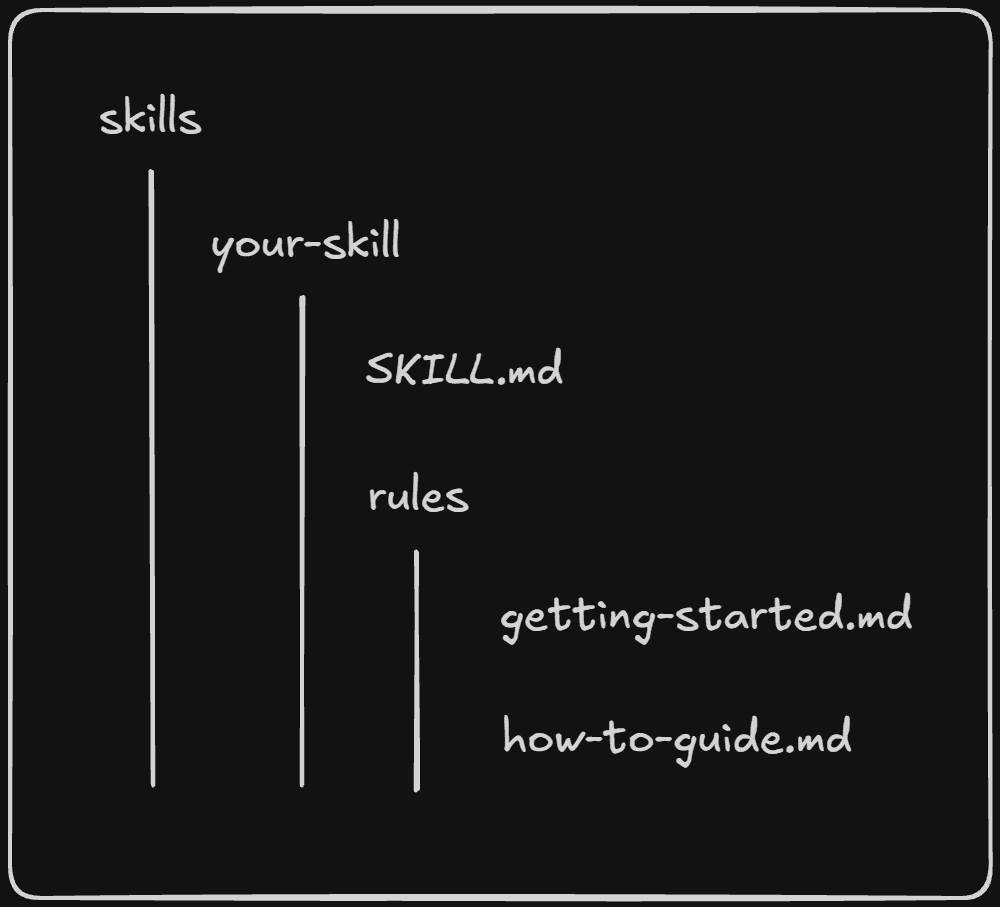
The SKILL.md file, on the other hand, should contain something like this:
---
name: your-skill
description: This is the skill description.
---

## How to use

Read individual rule files for detailed explanations and code examples.

- [Getting Started](rules/getting-started.md)
- [How to guide](rules/how-to-guide.md)
How to create a skill
To create a new skill, run the following command or its equivalent for your preferred package manager:
npx skillit@latest
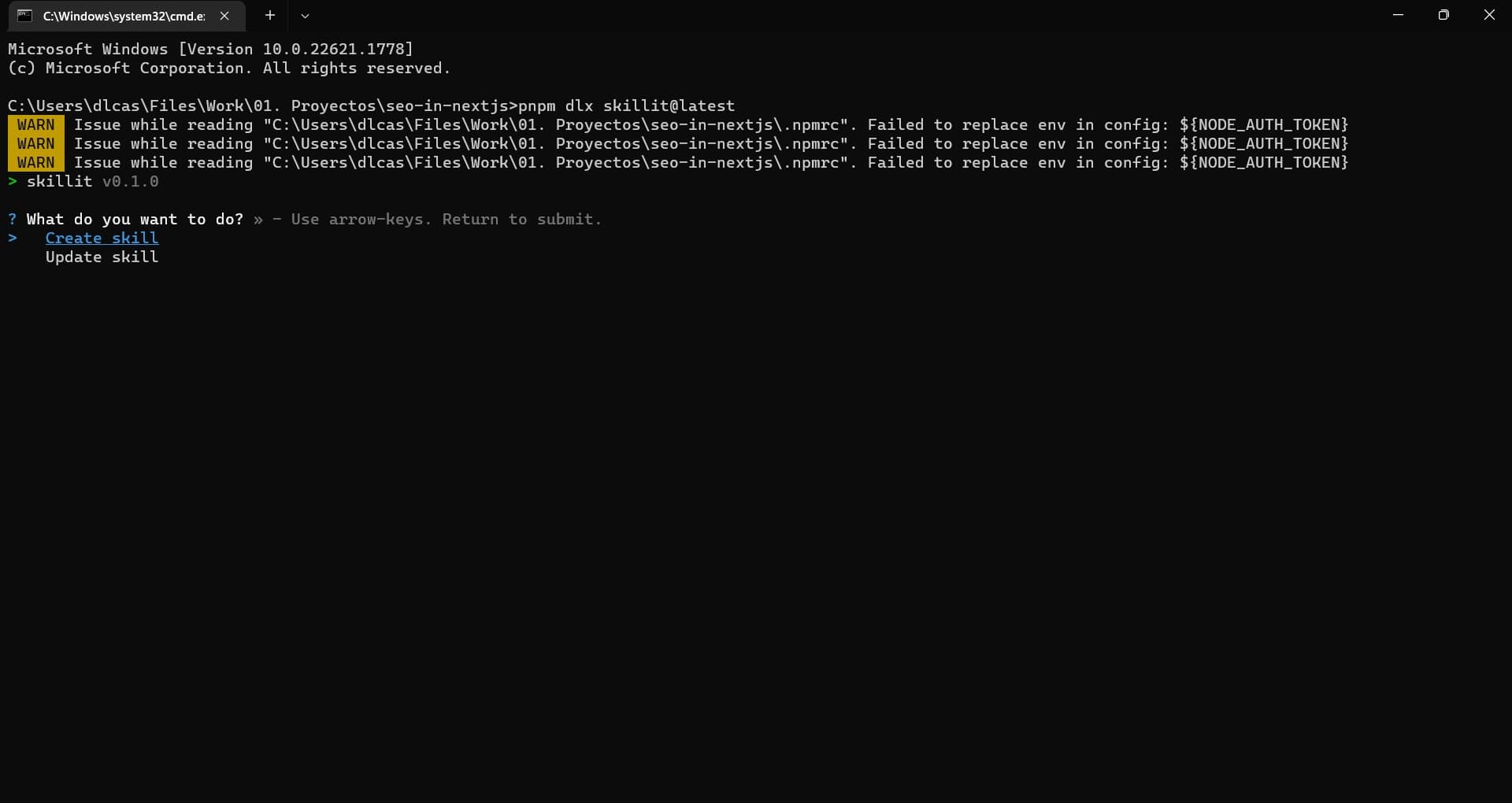
Then, follow the prompts.
First, select the option to create a skill.
Then give your skill a name and description, define where the skills directory will be located, and specify the path to the documentation from which the skill will be created.
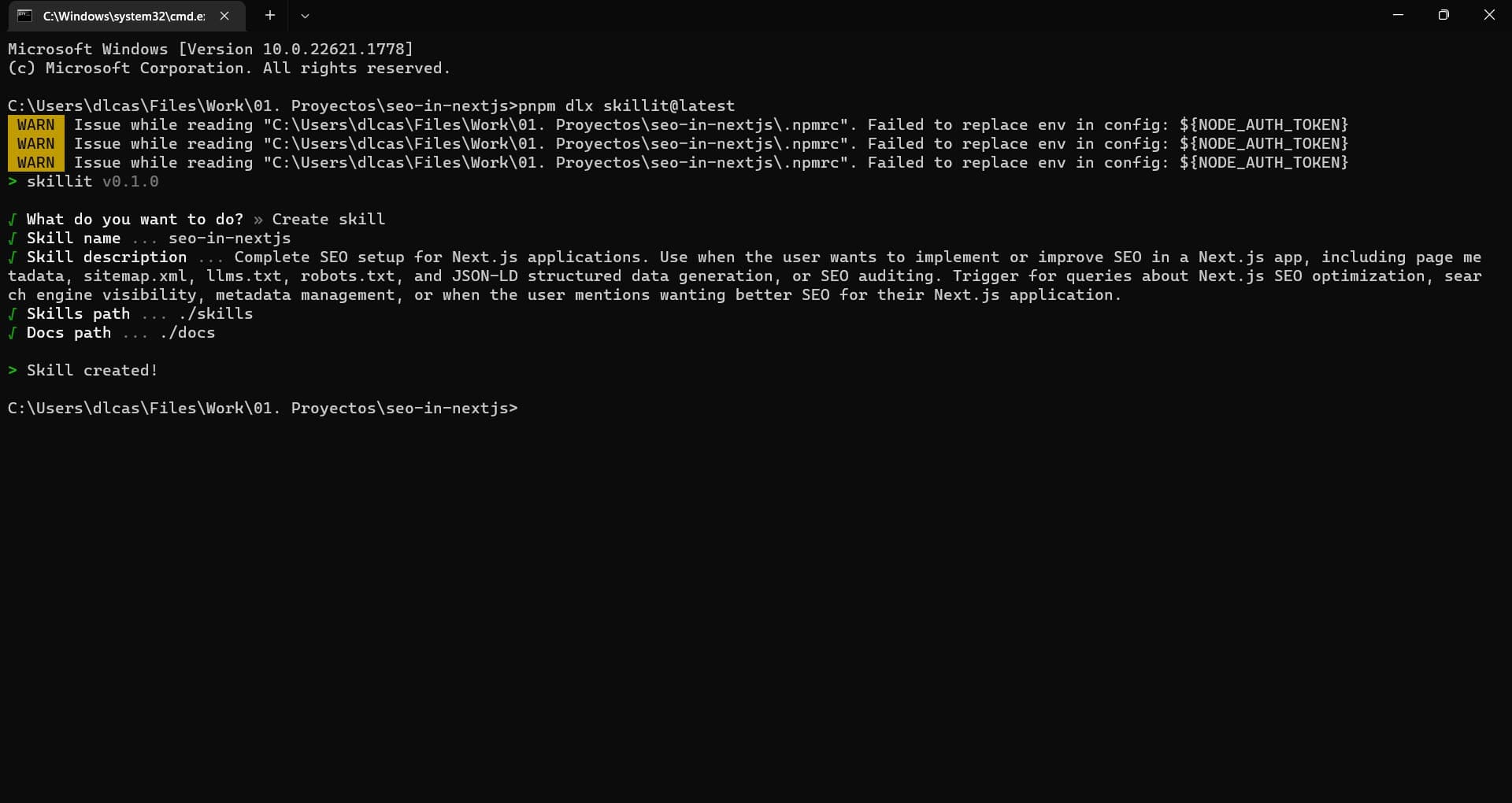
And just like that, your skill is created.
How to update a skill
To update a skill, run the same command:
npx skillit@latest
Then, follow the prompts.
First, select the option to update a skill.
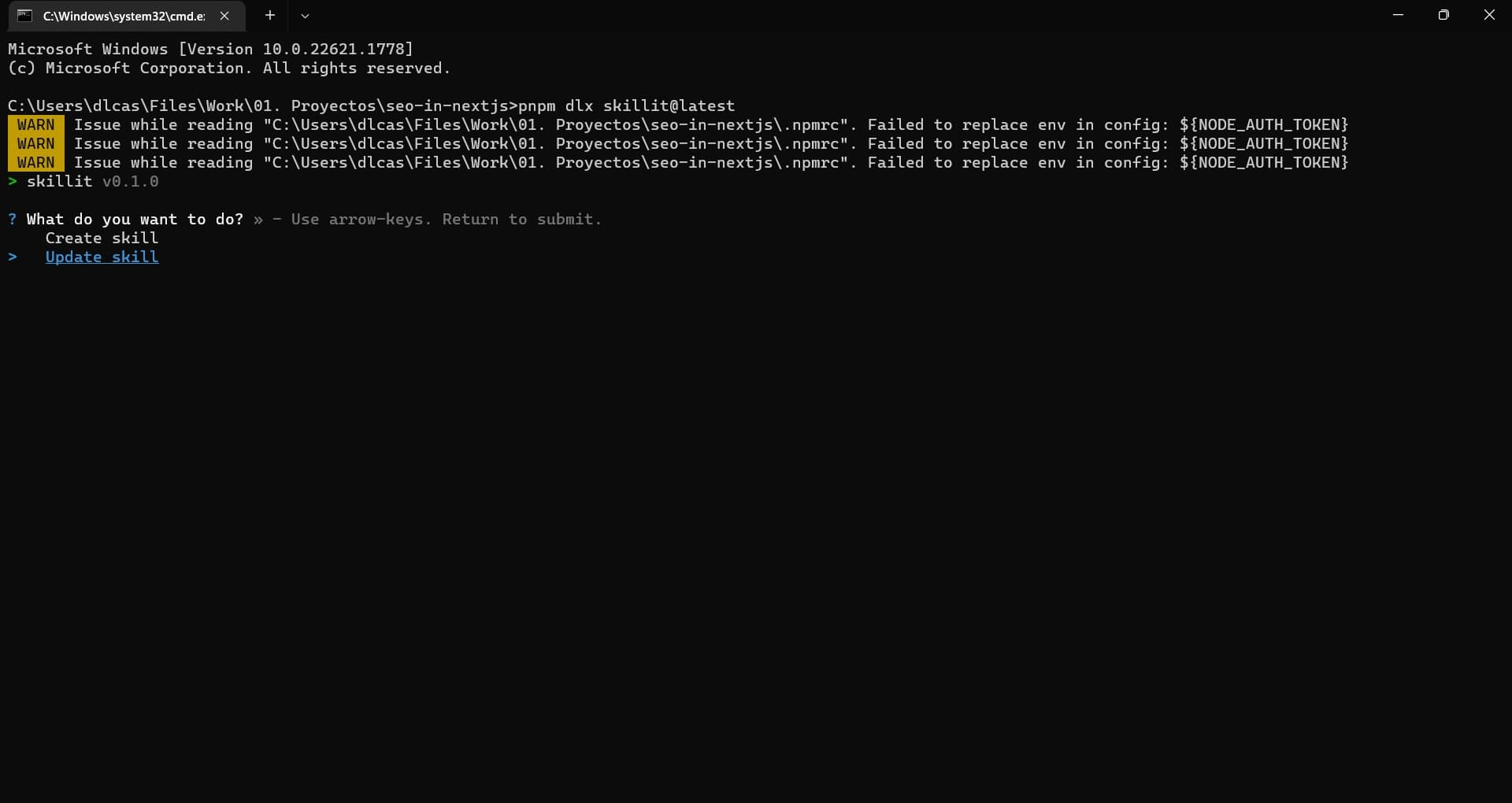
Then enter the name of the skill to update, define where the skills directory is located, and specify the path to the documentation from which the skill will be updated.
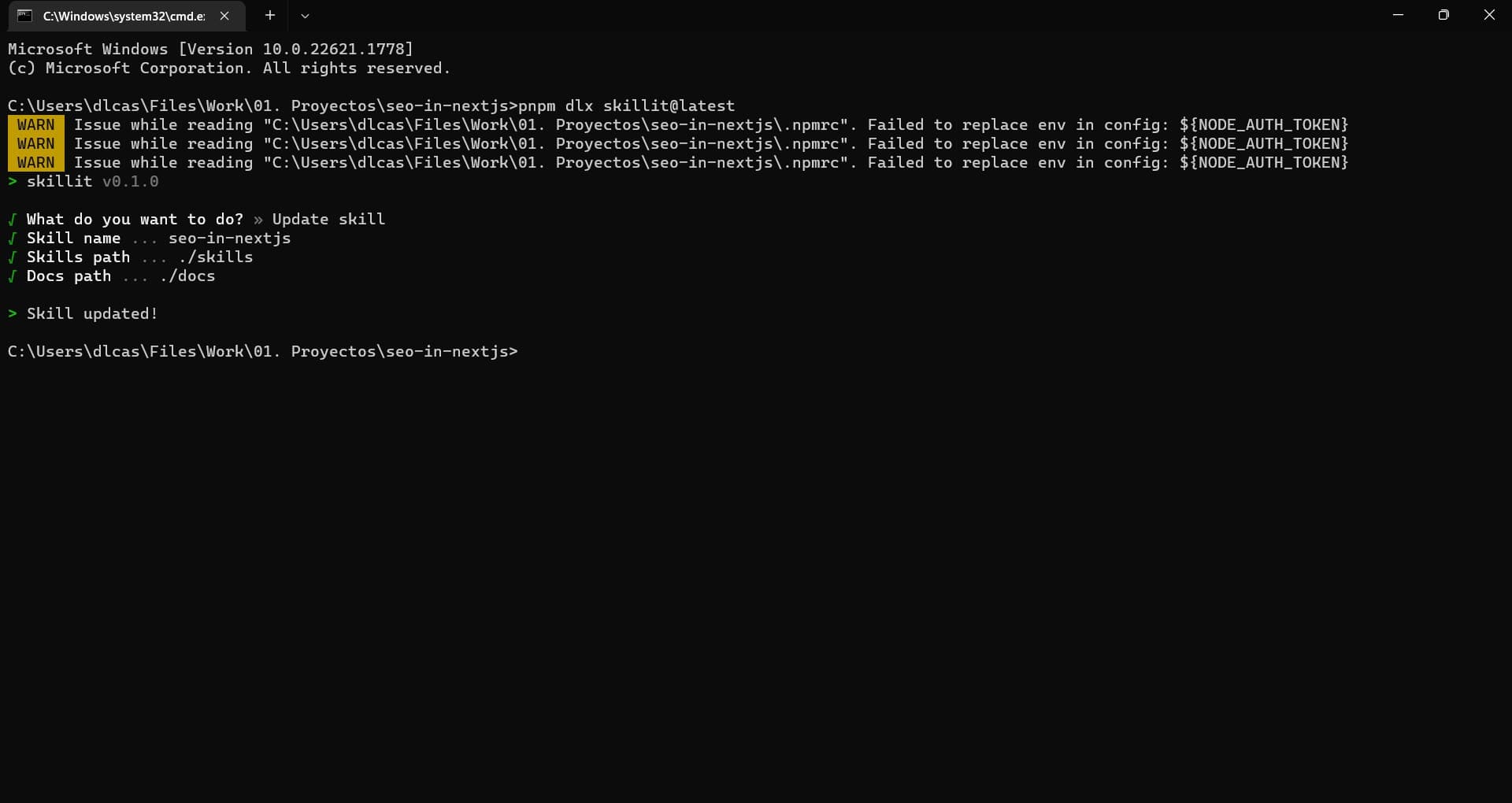
And that's it, your skill is updated.
Final reflections
Skillit was born out of a very concrete need: since the docs are already written, Skillit turns them into a skill AI agents can learn from.
If you maintain your own libraries or plugins, or the author of the libraries you use hasn't created a skill yet, and you use AI agents in your workflow, Skillit is a perfect fit.
Give it a try and let me know how it goes.